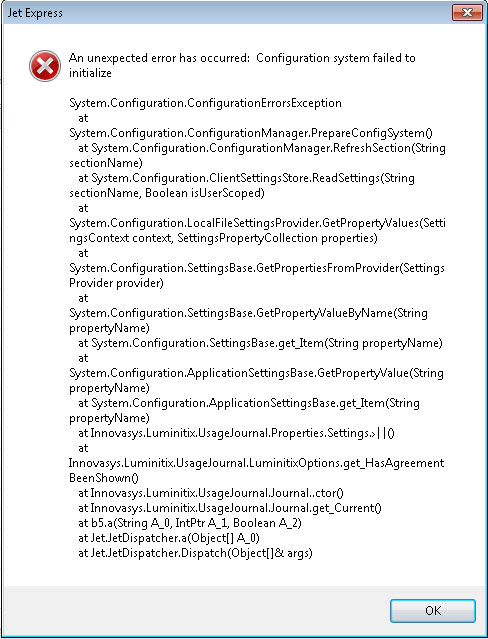
After I installed Jet Express 32bit and activated on a Window 7 Pro with Office 2010 32bit, When I open Excel following error messages showed up. 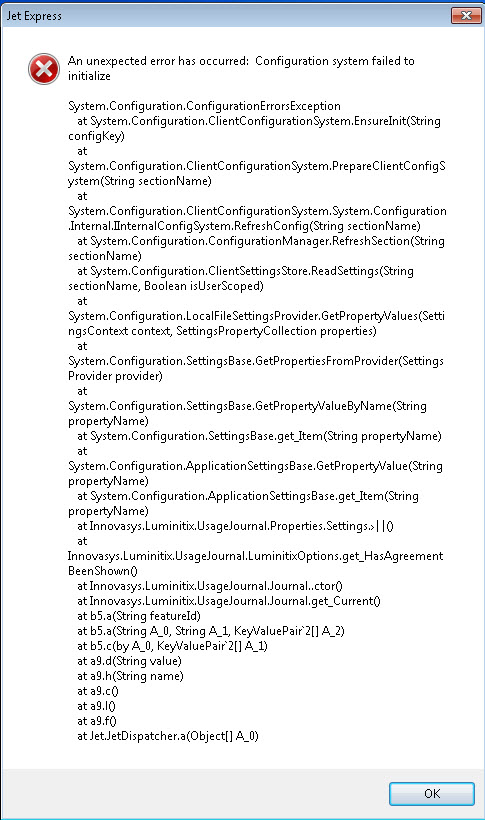
Thanks
Date
Votes
1 comment
-

Jet Reports Historic Posts This can be caused by an issue with the USER.CONFIG file in the local application data folder.
With Windows 7, this can be found in C:\Windows\System32\config\systemprofile\AppData\Local\Microsoft_Corporation\DefaultDomain_Path_{additional characters}\{version of MS Office}
Make sure Excel is close, delete that file, and then restart Excel.
-HP
Please sign in to leave a comment.