Hi
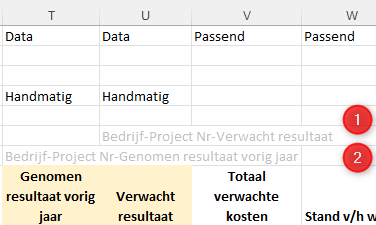
I am using the "Data" command in columns and rows to preserve data need to add manually into a report.
Currently, it seems that I can only have on cell per row/column defined i.e. put Data into D1 and A7 reserves cell D7 for manually entered data. This has the desired effect in that data i manually update into that cell is retained when I refresh the report.
I now have a requirement to enter manual data into multiple cells across a single row. I've tried adding the Data command into multiple columns but the report now throws an error -
Error loading user data for sheet 'Sheet4':
The user data cells $D$4 and $P$4 have been assigned duplicate keys. Each user data cell must contain a unique key. The offending key value is:
Key: Name
Value: Bob Jones
User data will not be saved for this sheet.
Anyone know of a way to fix this or if there is a Knowledgebase article that covers it?
Thanks
Dave