Dear all,
my Excel (Office 365) is running well. When I install JET, Excel is crashing down. Please have a look on the attached docs. Does anyone has an idea how to fix it?
thanks!!
errosmsg text.txt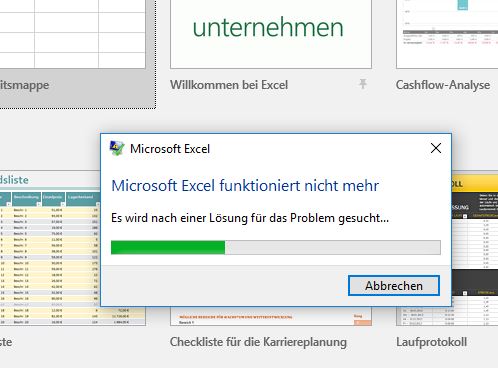
Date
Votes
2 comments
-

Jet Reports Historic Posts Official comment Hi,
it works …. with a slightly moidfication! It was necessary to delete the complete content in the mentioned folder and to "repair" the JET Installation. After this I have configured the Data Source again and now it is running!!!
thanks a lot for your great help!!! -
Jet Reports Historic Posts It looks like Excel is having problems reading the Jet Reports data source settings.
Since this is a new installation, please delete the data source settings and try again.
Here's how:
1) Close Excel
2) Go to to the Windows "appdata" folder by typing %appdata% in the Windows search box and then pressing the Enter key or clicking on the %appdata% file folder displayed: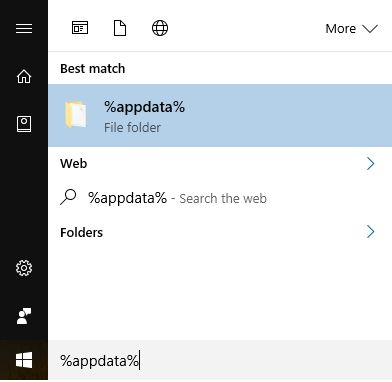
3) Go to the Jet Reports folder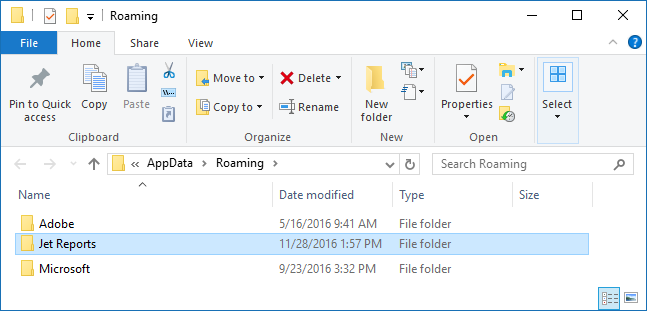
4) Delete the "Data Sources.xml" file
5) Start Excel
Please sign in to leave a comment.