Hope this gets fixed soonX Network Access Message: The page cannot be displayed
Explanation: The page you requested could not be reached, due to a proxy server configuration problem.
Try the following:
Refresh page: Search for the page again by clicking the Refresh button. The timeout may have occurred due to Internet congestion.
Check spelling: Check that you typed the Web page address correctly. The address may have been mistyped.
Contact your administrator: This problem may be due to a mis-configuration.
If you are still not able to view the requested page, try contacting your administrator or Helpdesk.
Technical Information (for support personnel)
Error Code 12206: Proxy chain loop
Background: The gateway has detected a proxy chain loop. This condition might indicate a configuration problem on a proxy server.
Date: 3-11-2011 14:02:35 [GMT]
Server: S313.Zeptor.local
Source: Proxy
Date
Votes
2 comments
-

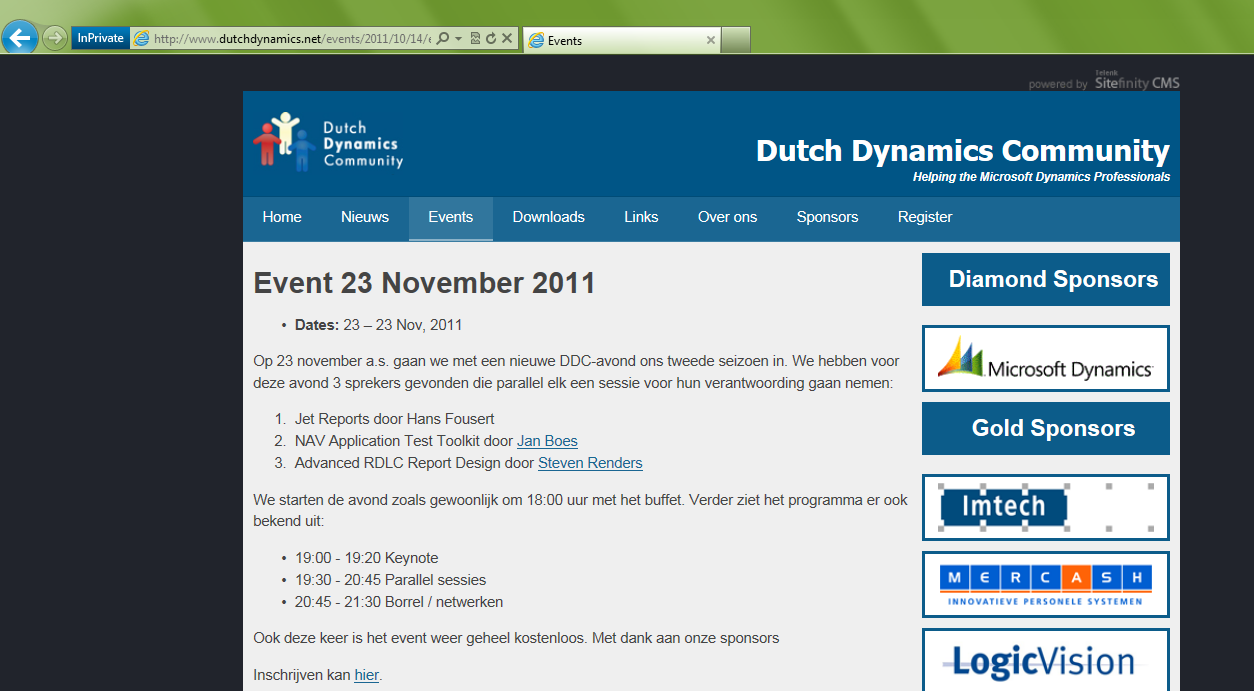
Jet Reports Historic Posts On November 23, the Dutch Dynamics Community organizes another event for Dynamics NAV developers, consultants, application managers etc. Attending the event is free.
One of the topics this time is Jet Express. This is not only interesting for those of you who (intend to) use Jet Express. Designers of Jet Essentials reports may also benefit as the content of this event for a major part is also applicable to Jet Essentials.
More information about the event and registration may be found here: http://www.dutchdynamics.net/events/2011/10/14/event-23-november-2011
(P.s. The Dutch Dynamics Community is non-commercial. It is setup by a couple of Dynamics NAV enthousiasts to share knowledge and experience of Dynamics NAV and related products) -
Jet Reports Historic Posts Works like a charm…
Please sign in to leave a comment.