Hi all,
We use Jet report to create a template for our QC department.
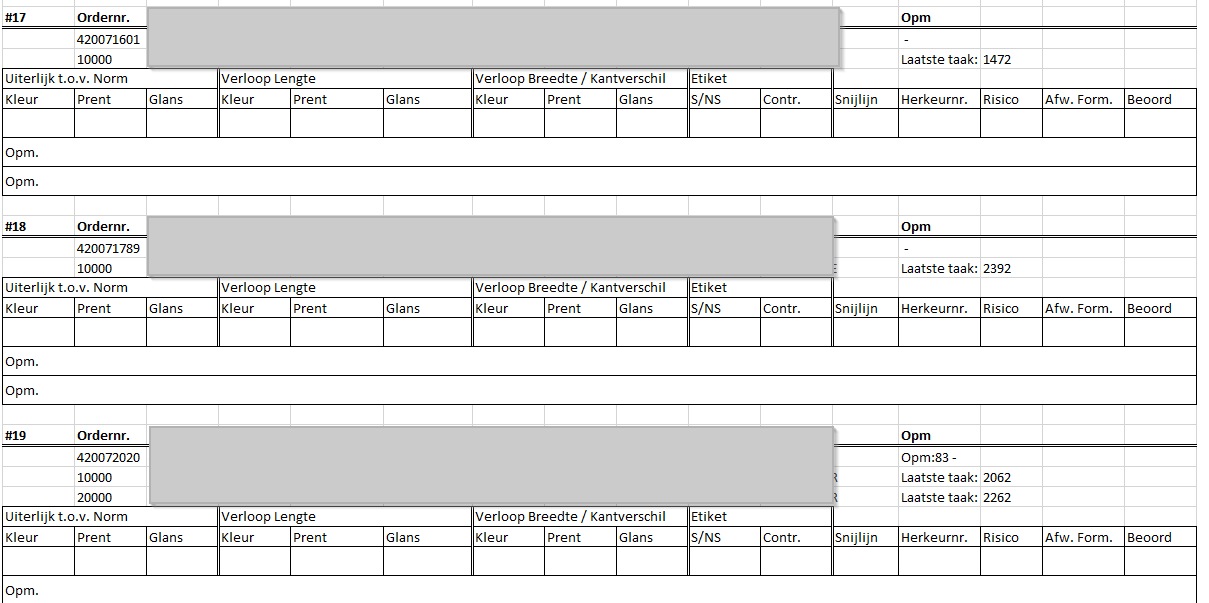
The report is created with a rows function within a row function, so not every block has an equal length, see in the example below #19 is 1 production in 2 different variance, row 10000 and 20000 but #17 and #18 have only 1 variance, row 10000.
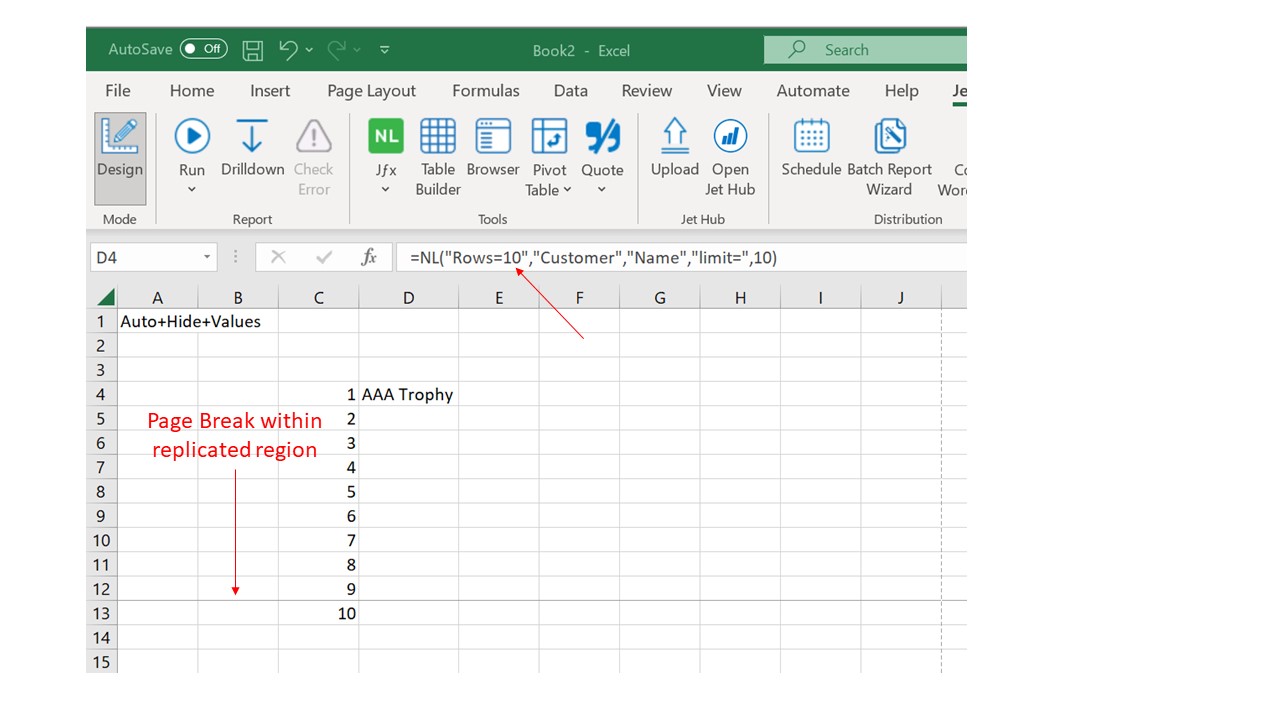
Is it possible to prevent Excel from creating a page break in the middle of a block when printing?
The grey blocks cover our customer details.