Hello,
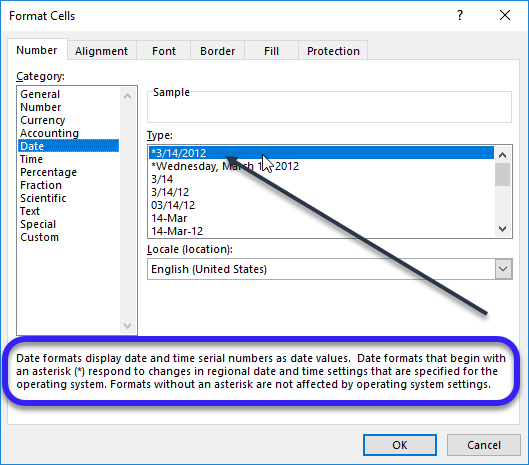
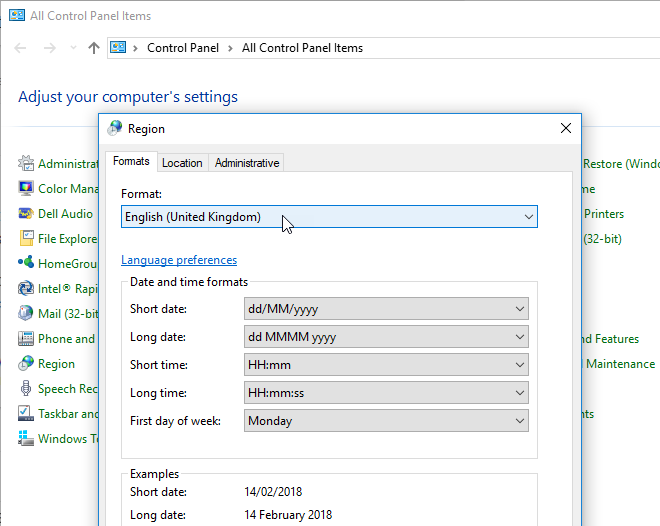
I am a user located in the U.S and I have created a few financial statement Jet Reports for our divisions to use. Our domestic U.S. users have no problems with the report, however, some of our European and Asian users get #value displaying instead of the date in column headers. When filling in the options of the report, I have asked all users to fill in mm/dd/yy. The rest of the report appears to work appropriately and pull in the account balances for the dates provided, but the column headers don't reflect the dates. Furthermore, sometimes when they send the file to me, the dates will show correctly for me, but they only see #value.
I assume it might have to do with the different date settings in the U.S. mm/dd/yy (as they are entered in the reports) compared to their local computers being in dd/mm/yy format? Does anyone have any help on how to solve this? Is there a setting that needs to be changed?
Thank you in advance!
Joanne