
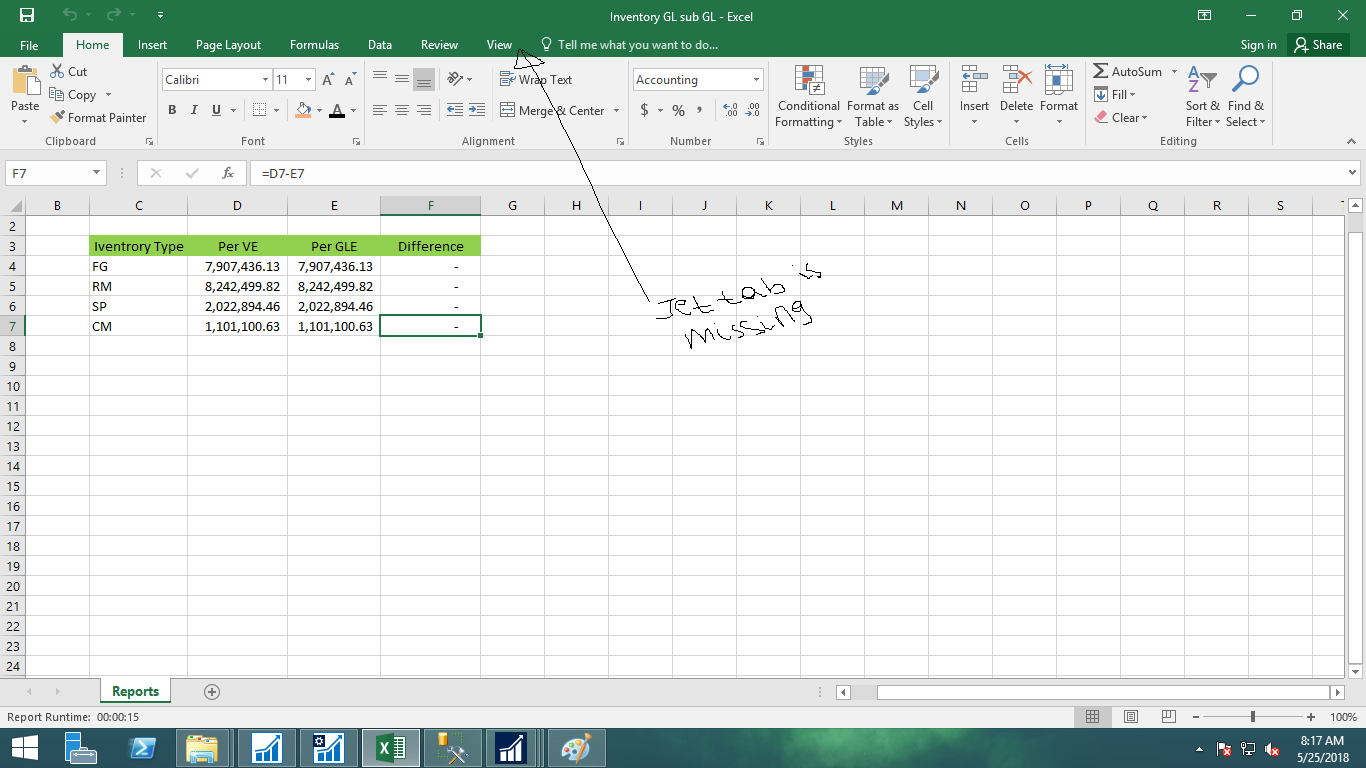
When i opened jet professional 2017 i will not see the jet tab in my excel to display the jet tab in my excel i've to go to excel options ->addins->then i've browse it in to my C:\. i've to do this every time i opened a new jet file. then after opening the jet file and displaying the tab when i try to refresh the report i get a long list of error message which i attached the screen shot of both in this request.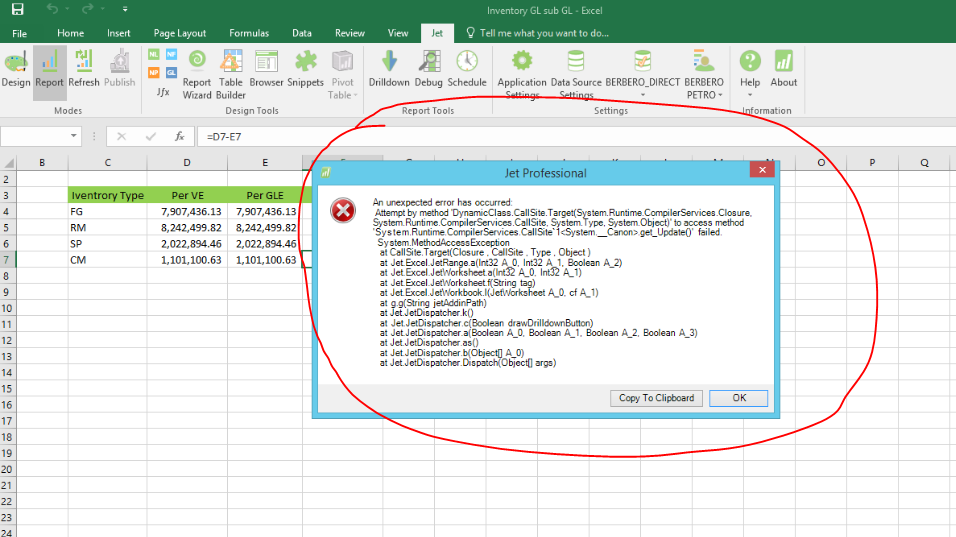
Date
Votes
1 comment
-

Johannes Herlitzius Hello Befekadu,
please try the following:
- 1. close Excel
- 2. Copy/Paste this into your address bar: %appdata%\Jet Reports
(This should bring you into a folder with a path similar to this one: C:\Users\befekadu\AppData\Roaming\Jet Reports) - 3. In that folder delete the "Settings.xml" file
A new "Settings.xml" file will be automatically created when you open Excel again. - 4. Open Excel again and see if it works.
If not, you can try to do the same steps again including the following (the following has been copied from an answer from a Jet Reports Support Team member some time ago):
- 1. Run a full/online repair of Microsoft Office (not a quick repair) from the Windows Control Panel > Programs and Features menu.
- 2. Run .NET repair or update this environment to .NET 4.6.2:
Repair:
https://www.microsoft.com/en-us/download/details.aspx?id=30135
Update:
https://www.microsoft.com/en-us/download/details.aspx?id=53344
Let me know, if this helps!
Best Regards
Please sign in to leave a comment.